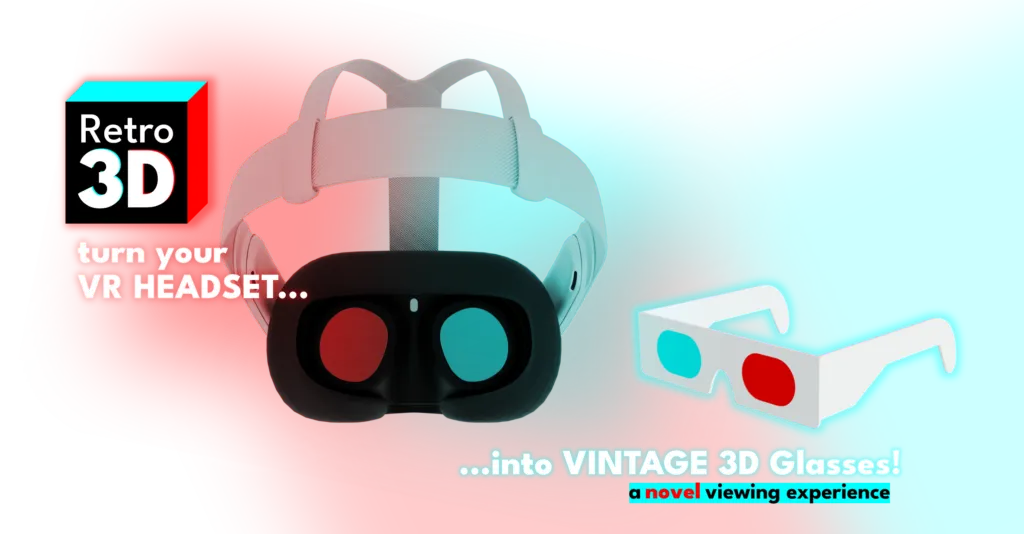
Now in Early Access!
Retro 3D turns your Meta Quest headset into vintage red and cyan 3D glasses!
View classic Anaglyph 3D images and video using just your Meta Quest headset, no specialty glasses required!
The Original Retro 3D Ridiculous Trailer (I know, it’s slow and too long… and it says 2025)
Contains footage from Big Buck Bunny, CC-BY 3.0 Blender Foundation 2008 http://www.bigbuckbunny.org 3D HDRI 60fps 4K Sunflower version are CC-BY 3.0 Janus B. Kristensen 2013 http://bbb3d.renderfarming.net https://creativecommons.org/licenses/by/3.0/ #retro3DXR #metaquest #camerapassthrough
Stay Informed!
Join the Parietal Lab Insiders newsletter and I might send you a Promo Code 😉
Join the Parietal Lab Insiders newsletter:

?!?!?!?!?!?!?!?!?!
Wait. What?!?!
I know what you’re thinking: “So you’re telling me I should buy a $500 headset to see old 3D content rather than just buy a cheap $5 pair of glasses online?” Not exactly telling you. Encouraging maybe. No, actually, I’m just suggesting you teach the headset you ALREADY OWN a new trick!
Plus, it’s just fun! And I don’t think you’re actually going to go buy a cheap pair of 3D glasses anyway. So drop a few bucks, grab Retro 3D, and check out what people used to think the future looked like. You won’t regret it. Or maybe you will. Who knows?
Retro 3D brings yesterday’s future to today! Unlock a world of 3D content you didn’t know (or forgot) existed…
So how do I use Retro 3D?
1) Start by finding interesting content (hint: search for “anaglyph 3d“).
2) Start playback on target device (e.g. desktop, laptop, tablet)
3) Put on your headset and launch Retro 3D
4) Watch the screen as if wearing 3D glasses
5) Enjoy!
Example Images…

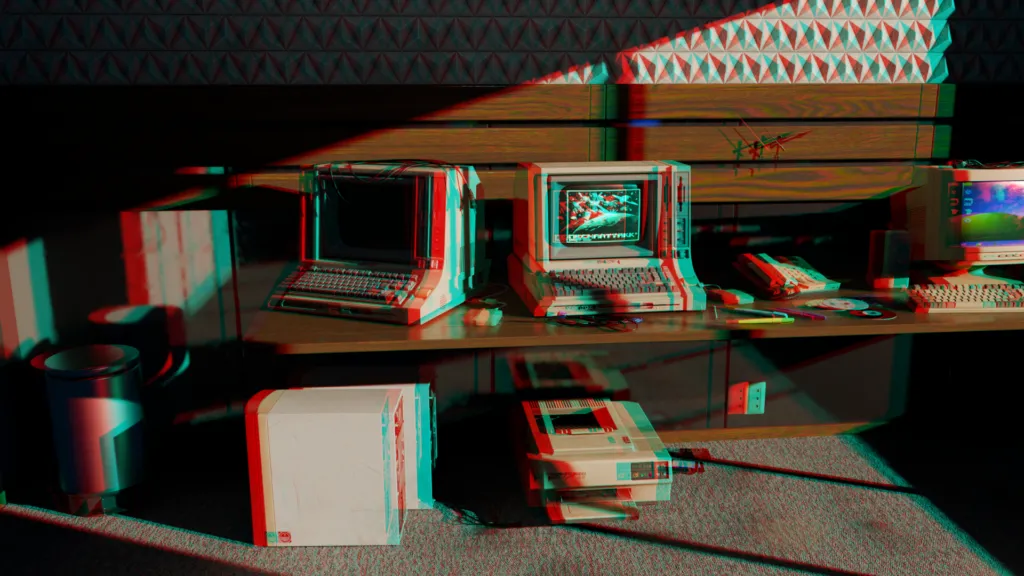


Example anaglyph composition (source)

What types of content work?
Any “anaglyph 3D” video or still image created using red and cyan will work with Retro 3D. Some media will work better than others depending on how the content was created or encoded.
Content can be easily found across the web, including sites like YouTube and Wikipedia. Start by searching for “Anaglyph 3D” and see where it takes you!
FAQs
Why are there FAQs? This whole page feels like an FAQ.
You’re right. This whole page is basically one long FAQ. But I ran out of images to supplement the questions—and having this section somehow legitimizes the product—so here we are.
Now, onto the other Qs.
When will Retro 3D launch?
Soon. I’m thinking maybe as early as the week after AWE 2026 (that would be week of June 22). If not then, late July.
Yeah, but the silly trailer says 2025?
I know. I know. I spent more time on other things… like launching CONSTELLATIONS, and CONNECTOME for Apple Vision Pro. I’ll update the trailer. Probably.
Does Retro 3D actually work?
No. Ha! Just kidding. Of course it works. It works because Meta released the Passthrough Camera API, giving developers access to the camera feed… to do things with. Like modify the color. Per eye. Cool, huh?
Does Retro 3D actually work well?
Well, that depends on your definition of “well”. There’s a wide range of Anaglyph content out there, and even with classic 3D glasses, some works better than others. Color and lighting conditions of your environment can also impact the quality of the experience. But yes, to be more direct, Retro 3D does work well… under perfect conditions 😉
Will Retro 3D make me sick?
Do you get sick often? Are you sick now? Have you been around someone who is, or who has recently been sick? If so, don’t blame Retro 3D.
If not, then the answer also depends on your definition of “sick”. It’s true, seeing a video in your headset, overlaid on top of your live environment and treated with this red/blue filter thingy, can make you feel a bit weird. Plus, the framerates aren’t great with passthrough, so there’s that too.
So, yeah, it may make you feel weird. Embrace the weird.
Is this all Retro 3D can do?
What do you mean “all”? Retro 3D is amazing. This little trick is built upon the shoulders of giants (giant engineers, that is).
Let’s reframe the question. What does Retro 3D do today? Oh, much better.
Today Retro 3D allows you to view red and cyan-encoded anaglyph video using the passthrough camera on the Meta Quest headset. Tomorrow (proverbially speaking), Retro 3D will be enhanced to let you to change the color of the filters, unlocking all sorts of interesting tricks (like secret messages!). But that’s tomorrow. Don’t get ahead of yourself.
Where can I learn more about Anaglyphs?
The library? Or Wikipedia. Yes, of course – Wikipedia! Or your favorite search engine. Or your favorite chatbot.
Here’s a good starting point: Anaglyph 3D – Wikipedia
Wait. Was that an em dash earlier? Did you write any of this yourself?
How. Dare. You.
Ha! Of course I did. But maybe a friend helped. You know… just to find an em dash to copy and paste (that thing’s useful!). And also to make sure the punctuation was correct.
Promise—barely anything was changed. (See? A real dash. Hey! Who changed that???)
Buy Retro 3D Today on the Meta Horizon Store!
- Available Summer 2026 in Early Access!
- It’s good for you!
- You need another distraction!